Feedback & Suggestions - Help Shape Thread & Hook!
Hey everyone!
First off, THANK YOU for being early members of the Thread & Hook community. Your participation and enthusiasm mean
everything as we build this platform together.
This thread is your direct line to influence the future of Thread & Hook. We want to hear it all - the good, the bad,
and the “wouldn’t it be cool if…”
How to Give Feedback
Share anything about your experience:
Bugs you’ve encountered (with screenshots if possible!)
Features you wish existed
Improvements to existing functionality
UI/UX pain points that slow you down
Missing pattern information fields
Search difficulties or missing filters
Mobile experience issues
General thoughts on what works and what doesn’t
Current Focus Areas
We’re particularly interested in feedback about:
Pattern Creation Process
Is it intuitive?
Missing fields?
Too many fields?
Upload issues?
Search & Discovery
Finding patterns easily?
Are the filters helpful?
AI search working well?
Missing search options?
Fly Box Feature
How are you using it?
Need multiple boxes now or later?
Organization preferences?
Community Features
What’s missing for connecting with other tyers?
Forum integration smooth?
Want pattern comments?
Follow system priorities?
Known Issues We’re Working On
Just so you know we’re aware:
Video upload/embed support
Pattern PDF export
Dark mode
More OAuth providers (Apple, Facebook)
Pattern variations/adaptations
Material substitution suggestions
Pattern collections/categories
Notification system
Recently Completed (Thanks to Your Feedback!)
Fly Bench showcase feature
Better image modal/gallery
AI pattern identification
Material brand search
Pattern completion indicators
SSO forum integration
Feature Voting
React with emojis to vote on priorities:
= Must have ASAP
= Would be nice
= Not sure I’d use this
Potential Features:
Mobile app (iOS/Android)
Pattern recipe cards for printing
Fly tying timer/tracker
Material inventory manager
Pattern difficulty calculator
Seasonal hatch charts
Fly swap organization tools
Video tutorials section
Live tying sessions/streaming
Marketplace for materials/tools
How to Submit Feedback
In this thread - Great for discussion and seeing if others agree
DM me - For private concerns or detailed bug reports
Shout out to early contributors who’ve already provided valuable feedback:
[Will update with actual contributors]
Remember: This is YOUR platform. We’re building it for the fly tying community, and your input directly shapes what we
build next.
No suggestion is too small or too ambitious. If it would make your fly tying life better, we want to hear about it!
What would make Thread & Hook the ultimate fly tying platform for you? Let’s discuss!
P.S. - If you’re enjoying Thread & Hook, spreading the word to fellow tyers is the best way to help us grow! Share your
patterns on social media with #ThreadAndHook
@foxdemon2002 First, thanks for the feedback. Only way to improve this thing is getting good feedback like that. Second, I’m just glad you got all the way registered and to the forums
1.) Interesting error. I tried to reproduce, but was successful when I tried the same filter. Could have been a race condition as I was making some updates to the site as well.
2.) Good point on the verification code. I need to find a good way of having an option to pop back up on mobile without being too intrusive.
Hi again. Well I’ve been playing around with the site and exploring its various features.
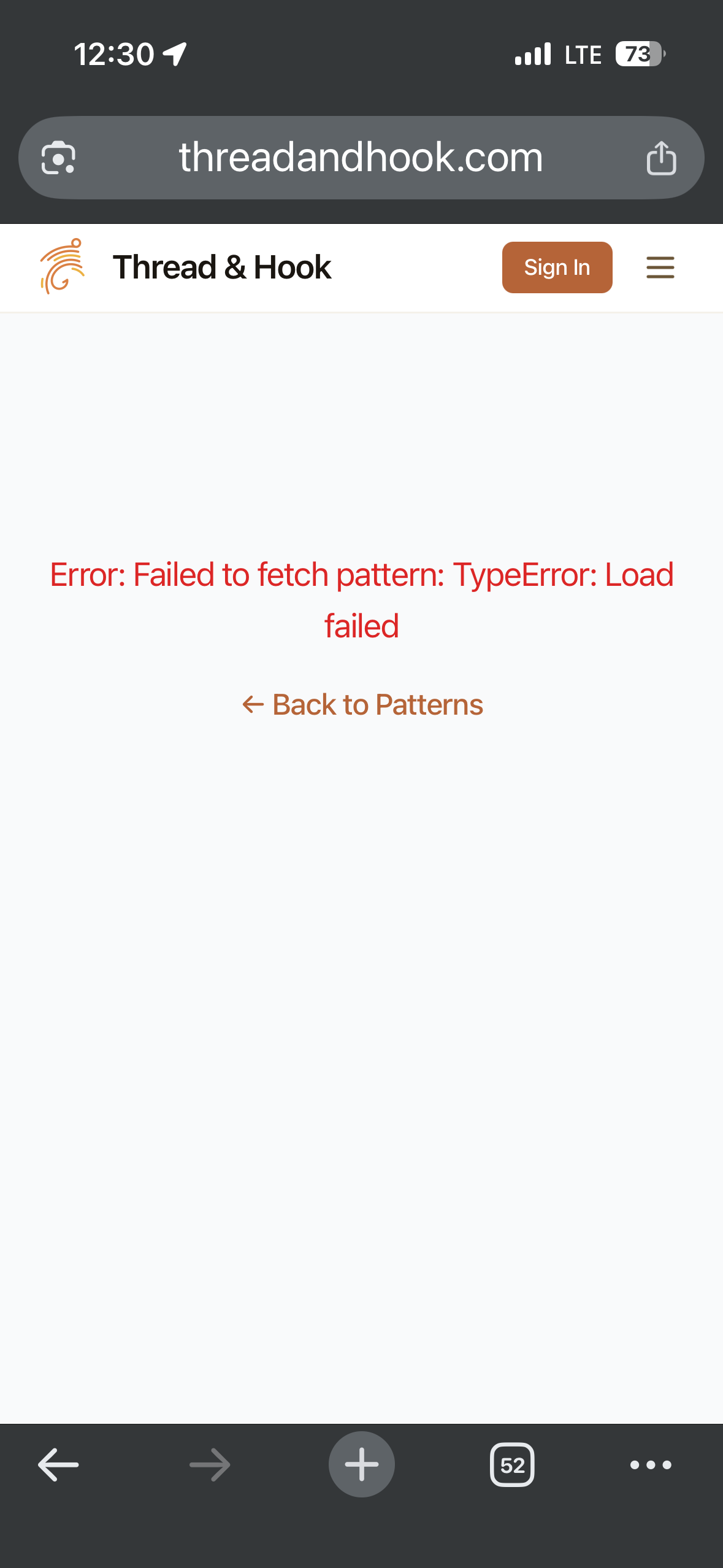
I tried to create a pattern (add a pattern) and was frustrated by the UI again and again. In fact I tried eight times (once again I’m using iOS and chrome).
On the first couple of attempts, I accidentally brushed the header and lost all the entered data. Okay let’s put it down to being all thumbs, but the header’s close proximity when entering data was a land mine each time.
The second issue was the layout for data entry (particularly the materials section). In portrait mode only portions of the entry fields were visible and the user is unable to view the entered data. Switching to landscape mode cleared this up somewhat, but the ever present header plus the keyboard left a tiny bit of real estate and was an accident waiting to happen.
I slogged on and carefully avoided the header and managed to get as far as the tying instructions, but after having to stop for a moment to get information from elsewhere I returned to the page only to find all the entered data gone and back to the starting point. Another attempt got me further but still hit snags and lost all the entered data.
I’m nothing if not stubborn but after the eighth attempt I gave up. It was just a test really so no harm done, but it was extremely frustrating.
A couple of takeaways and suggestions:
Short of a full “mobile” interface, a save and edit feature is the only real solution. Put it down as a must have going forward. Unfortunately people using mobile devices are the ones that will make or break the site.
I used to design databases so I’m a bit familiar with the pain of coming up with a UI that works for all users, so I was pleasantly surprised by the drop downs and selection system you’ve put in place. The material entry and tying instruction system is good, the tagging system for target species is not bad (see below) and the layout—excepting the issues I encountered as a mobile user—is fairly intuitive.
The tagging system needs a few catch all general categories. In the case of target species something along the lines of “Trout (river resident)”, “Trout (stillwaters)”, “Char (river resident)”, etc., would speed up entry, but still prove useful. The user could still specify, particular species but the catch alls would cover most searches.
One last bit of an annoyance was the file size limit on images. It would be nice if the system could take the image and resize it automatically.
These are just a few thoughts. My time is a bit limited so I’ll return to add to the list later.
I should point out that in spite of my complaints it’s still a great site so far. Well done.
@foxdemon2002 Amazing feedback and I agree on the mobile interface for pattern adding being cumbersome. It’s actually something I’m working on right now and should have a release in the next day or so.
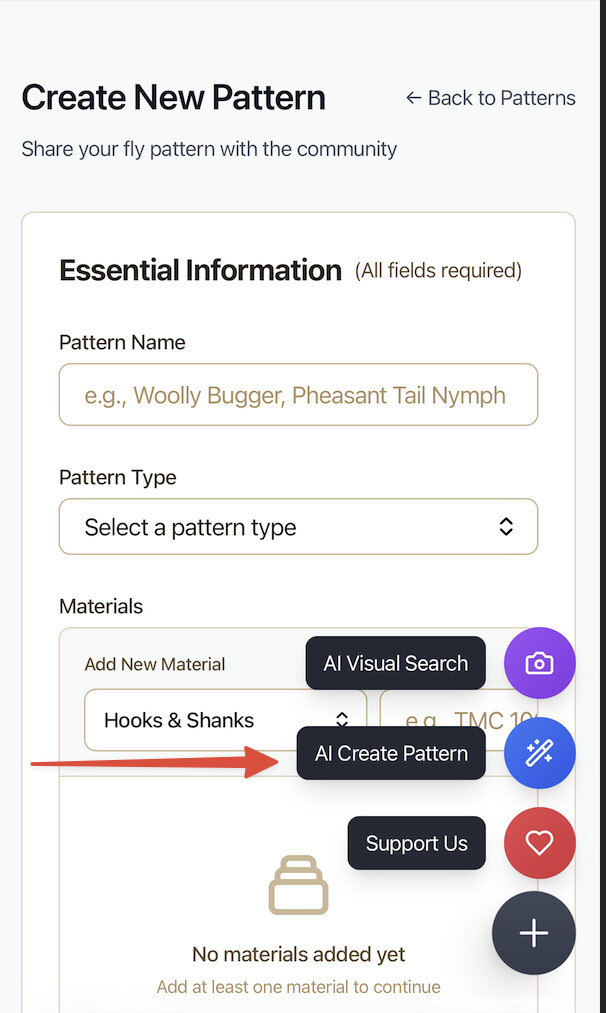
On the mobile pattern add. Have you tried using the AI Pattern Add function yet? I’m pretty sure it won’t solve all the problems, but the idea was to take some of the manual work away from adding a pattern on mobile. Although I don’t think it solves the form factor issues you mentioned above, which I totally agree with.
@foxdemon2002 I made a bunch of updates to the mobile experience across the site. Specifically the pattern creation experience based on your feedback (very much appreciate it).
Check out the full details in the two release notes postings I made, but here are the highlights.
Better mobile experience overall (alignment, buttons, spacing, etc.)
Overhaul of the pattern creation process (full UI adjustments)
Auto Save Feature! Check the release notes. It’s pretty good I think.
Auto resizing of images. Feel free to upload large images directly from your phone, it will take care of the rest.
Not sure if this is the right thread, but I’ve got a few books that are absolutely chock full of patterns. I’m not sure of the legality of it, but would be happy to begin cataloguing them here. Maybe if I take photos of my ties instead of posting pictures right from the book?
Hey @timthetroutman . I think a good practice around that would be to make the primary image to be of your pattern and if you want to include a picture form the page in the book where you got inspiration/reference (and reference the book in the description) that would seem totally fair to me.
 Feedback & Suggestions - Help Shape Thread & Hook!
 How to Give Feedback
 Current Focus Areas
 Known Issues We’re Working On
 Recently Completed (Thanks to Your Feedback!)
 Fly Bench showcase feature
 Feature Voting
 = Must have ASAP
 = Would be nice
 = Not sure I’d use this
 How to Submit Feedback
 Special Thanks